How to use Nabu: a step-by-step guide
Start
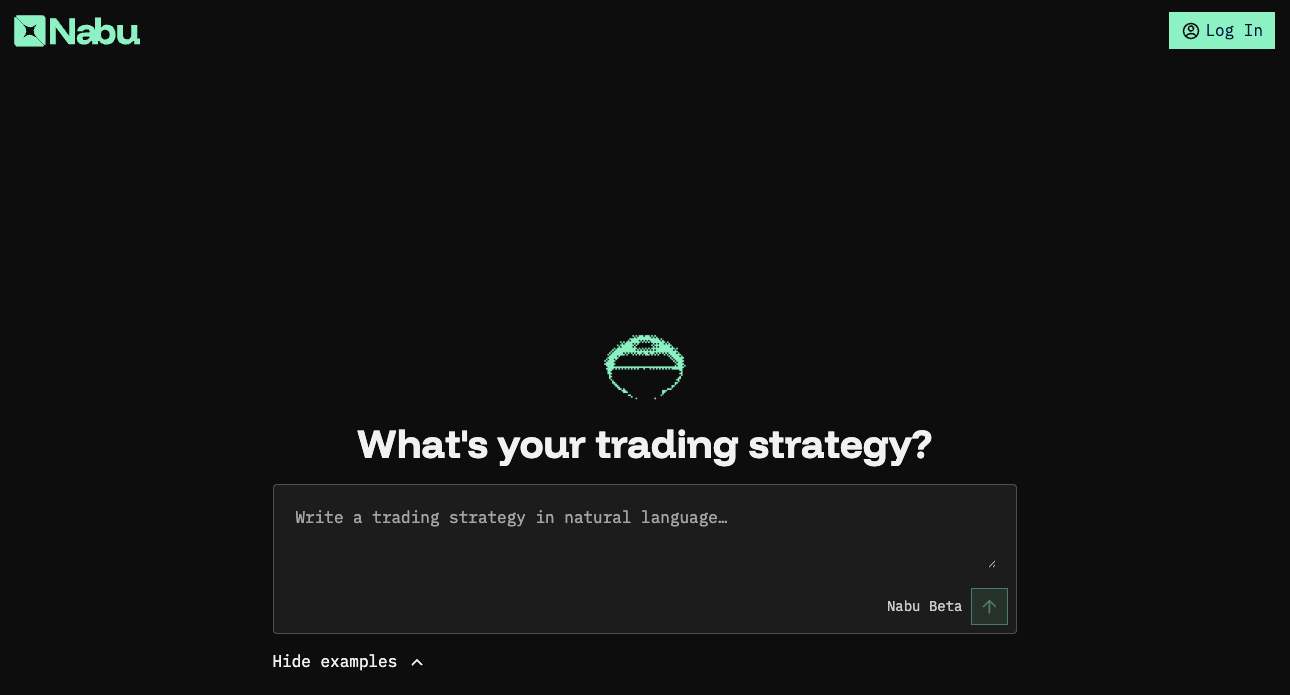
- Go to app.nabu.pro and click [Log In] in the top-right corner.
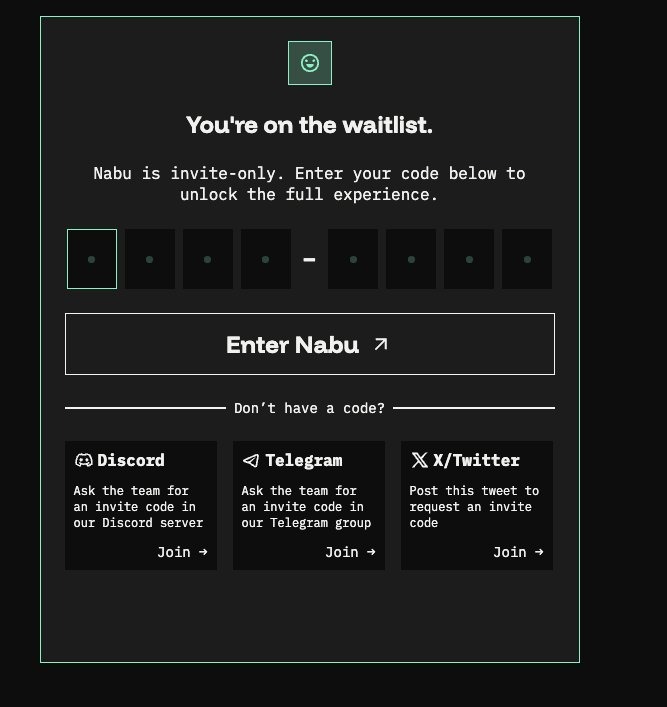
- After logging in, the You're on the waitlist screen appears. Enter your 8-character invite code in the format XXXX-XXXX and click [Enter Nabu].
Settings MEXC
- Connect your exchange. To run any strategy that uses a centralized exchange, you need to link a CEX account to Nabu.
- Log in to your MEXC account and go to mexc.com/user. From the left sidebar, click API Management.
.png)
- On the Manage API / Create New API Key page, set permissions exactly as follows:
.png)
- Once you created your keys in your API page you have to set your trading pairs by clicking [set]
.png)
Important: If you lose the Secret Key, you cannot retrieve it from MEXC. You will need to delete the API key on MEXC and generate a new one from scratch.
Settings Nabu
- Back in Nabu, click Settings in the left sidebar. Under Exchange Connect, select MEXC from the Exchange dropdown and click [Connect Exchange].
.png)
- Fund your trading wallet. To run any on-chain (DEX) strategy, you need to fund your Trading Wallet, a Privy-powered embedded wallet provisioned for you on Ethereum. The Trading Wallet is your trading balance for DEX execution; whatever sits in it is what your DEX strategies can trade with.
Assets are visible in the settings.
.png)
- Add funds. In Settings, scroll to the Trading Wallet section. The Deposit card shows your Wallet Address (with a copy icon), an Amount field, and a Coin dropdown.
.png)
- Click [Deposit]. A Privy popup Add funds to your Nabu wallet opens with two options:
.png)
Important: When using "Receive funds", make sure to select the right chain. Funds sent on the wrong chain will not arrive in your Privvy wallet and may be lost.
- To pull funds out, use the Withdraw card next to Deposit. Paste a Recipient Address, enter an Amount, pick a Coin, and click [Withdraw]. You'll be prompted to sign the transaction with your Privy wallet.
Run your strategy
- Run your first strategy. Once your exchange is linked and your Trading Wallet is funded, you're ready to deploy a strategy. Describe your trading strategy in natural language.
.png)
- A Draft badge confirms the strategy isn't live yet. When you're happy with it, click [Deploy strategy] (top-right of the card) to launch it.
.png)